How to Verify a Contractor License in Any State: A Homeowner’s Step-by-Step Guide
Learn how to verify contractor license status in any state before you sign. Free lookup steps, state databases, and what to check beyond the license number.
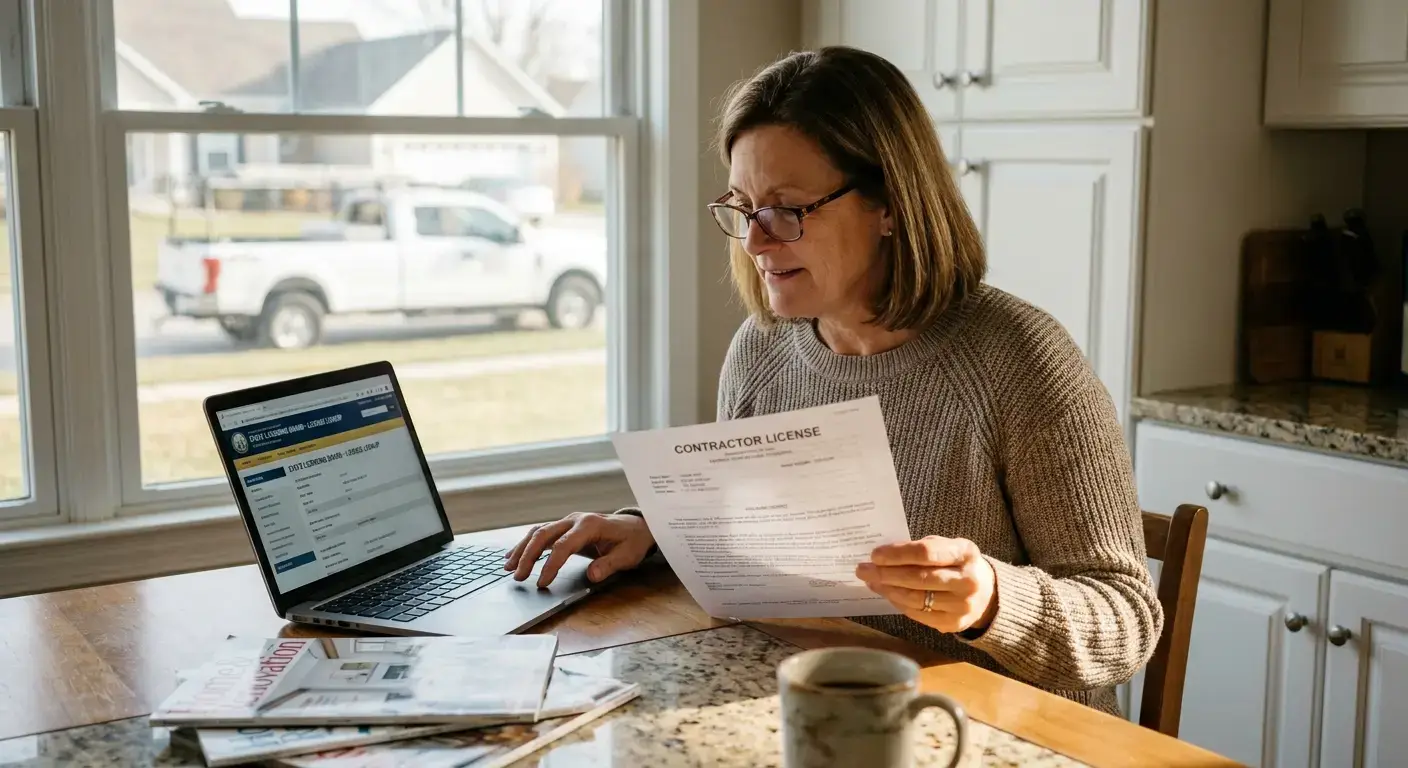
To verify contractor license status, go to your state’s official licensing board website, enter the contractor’s license number or business name in the lookup tool, and confirm the license is active, unexpired, and matches the trade the contractor is bidding on. It takes about three minutes and it is free in every state.
That single step separates most fraud stories from the ones that never happen. The trouble is that homeowners rarely do it, and the reasons are always the same: they do not know which agency handles licensing, they cannot find the license number on the estimate, or the state database returns a result they do not know how to read. This guide walks through the whole process, state by state, so you can check any contractor in any state in under five minutes.
Why You Should Verify Contractor License Status Before Signing Anything
Every state that licenses contractors publishes a public database. That database exists specifically so homeowners can confirm the person about to tear open a wall, rewire a panel, or reroof a house is legally allowed to do the work. Nothing about the process is hidden. Nothing about it costs money. Yet a 2022 Federal Trade Commission report on home improvement scams found that homeowners lose hundreds of millions of dollars each year to unlicensed contractors, and the single most common failure point is that the homeowner never checked.
An active license is not a promise the work will be perfect. It is proof of three things: the contractor passed a competency exam, carries whatever bond or insurance the state requires, and has a real address a regulator can reach if something goes wrong. Take any of those away and your recourse when a job goes sideways drops to almost zero.
What Happens When You Hire an Unlicensed Contractor
- Your homeowner’s insurance may deny claims tied to the work
- Municipal inspectors can order the work torn out and redone
- You lose small claims and civil court leverage in most states
- Warranties on materials are often voided
- You may be personally liable if a worker is injured on your property
How Do I Verify a Contractor License Online?
The process is the same in every state, even though the website design changes. Here is the sequence:
- Get the license number in writing. Ask the contractor for it before the site visit or on the estimate. A real contractor hands it over without hesitation. A hesitation is a signal.
- Identify the licensing agency in the state where the work will be performed. This is usually a Department of Consumer Affairs, Contractors State Licensing Board, Division of Occupational Licensing, or a trade-specific board (electrical, plumbing, HVAC often have their own).
- Go to the agency’s official public lookup tool. Search for “[state name] contractor license lookup” and use the .gov result. Never use a third-party site for the initial lookup.
- Enter the license number or the business name. The tool will return the licensee’s name, license type, issue date, expiration date, status, and often a disciplinary history.
- Confirm four things: the status is Active, the expiration date is in the future, the license classification matches the work (a general contractor license does not authorize electrical work in most states), and the name on the license matches the name on the estimate.
How Do I Check a Contractor License Number in My State?
Here are the direct entry points for the states that generate the most homeowner searches. All are official state government sites.
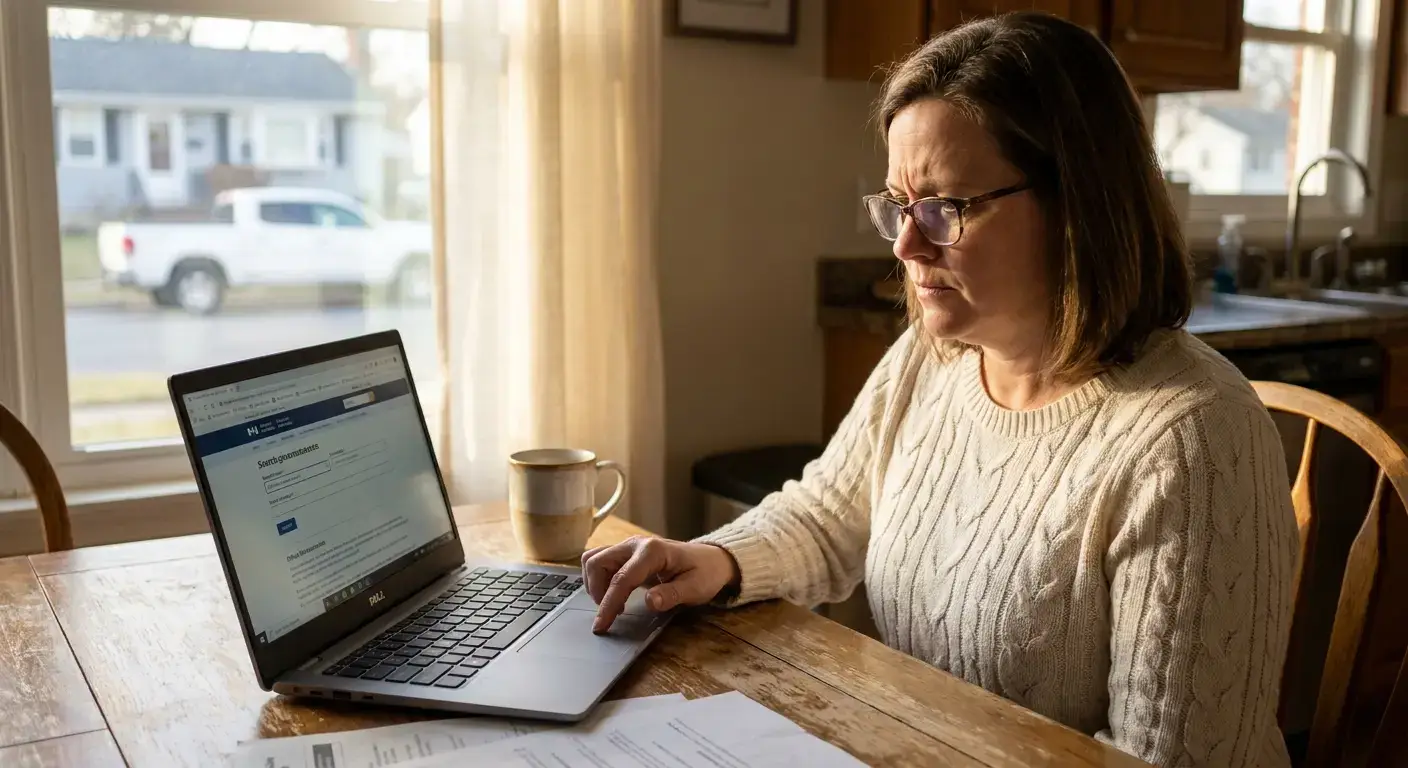
- California: Contractors State License Board (CSLB) at cslb.ca.gov, “Check a License” tool
- Florida: Department of Business and Professional Regulation at myfloridalicense.com
- Texas: Texas Department of Licensing and Regulation at tdlr.texas.gov, plus separate boards for electricians and plumbers
- New York: No statewide contractor license, check the city or county consumer affairs office (NYC uses the Department of Consumer and Worker Protection)
- Arizona: Registrar of Contractors at azroc.gov
- Nevada: State Contractors Board at nscb.nv.gov
- Washington: Department of Labor and Industries at lni.wa.gov, “Verify a Contractor” tool
- Oregon: Construction Contractors Board at oregon.gov/ccb
- North Carolina: Licensing Board for General Contractors at nclbgc.org
- Georgia: Secretary of State licensing lookup at sos.ga.gov
If your state is not listed, search on the U.S. Small Business Administration’s licenses and permits page at sba.gov, which links to every state’s licensing authority.
Is It Free to Look Up a Contractor License Status?
Yes. Every state’s official contractor license lookup is free and requires no account. If a website asks you to pay, register, or hand over an email address to check a license, you are not on the state’s official site. Close the tab and search again for the state agency’s .gov domain.
What Information Do I Need to Verify a Contractor License?
You need one of two things: the license number, or the exact legal business name. The license number is faster and eliminates any confusion between contractors with similar business names. If the contractor gave you a DBA (doing business as), ask for the legal entity name too, because the license is issued to the legal entity, not the DBA.
Once you run the lookup, save or screenshot the result. If the license lapses or the contractor’s status changes between when you signed and when the work is done, that screenshot is your record of what you were shown.
What the State Database Will Not Tell You
The state license lookup answers one question: is this contractor legally allowed to do this work today? It does not answer the questions homeowners actually care about after that first check clears.
Gaps in a State License Lookup
- Insurance status. Most state databases show whether the contractor carries a bond, but not whether their general liability and workers comp policies are current. Bonds and insurance are different things.
- Identity confirmation. The database does not verify the person standing on your porch is the license holder. License-lending, where an unlicensed operator uses a licensed contractor’s number, is a documented pattern.
- Real-time expiration. Many state databases update on a delay. A license shown as active this morning could have lapsed yesterday.
- Review authenticity. The state has no opinion on the reviews attached to a contractor’s Google Business Profile or Angi listing.
This is where independent verification platforms started to fill in. A service like TradeCheck USA runs the same state lookup you would run, then also checks the certificate of insurance against the issuing carrier, confirms identity, pulls business standing from the Secretary of State, and re-runs those checks on a cadence so the badge on a contractor’s site actually reflects today’s status, not last year’s. You can see exactly what gets checked and how on the how it works page, and you can look up a specific contractor by name or town at find a pro.
Red Flags That Should End the Conversation
When you verify contractor license credentials and any of the following show up, the conversation is over.
- The contractor refuses to give you a license number, or gives you a number that does not exist in the state database
- The license status shows Expired, Suspended, Revoked, or Inactive
- The license classification does not cover the trade in the bid (a residential contractor license does not authorize commercial work, an HVAC license does not authorize electrical work)
- The name on the license does not match the name on the estimate or the truck
- The contractor asks for the full payment upfront in cash or by wire transfer
- The contractor pressures you to sign before you have had time to verify anything
The Three-Minute Check That Prevents Most of the Damage
Ask for the license number. Type it into the state site. Confirm four fields: status Active, expiration in the future, classification matches the work, name matches the estimate. Take a screenshot. Then decide.
Every horror story about a botched addition, a stolen deposit, or an insurance claim denied after a fire started by unpermitted wiring almost always includes the same sentence buried in the middle: “I never actually checked.” The check is free, it takes three minutes, and it is the single strongest predictor of whether the job you are about to sign for ends the way you hope it does.
Skip the state databases
A Trade Check record shows the license, insurance, identity and standing we checked, and the date we checked it. Free to read, no account.
Check a contractor